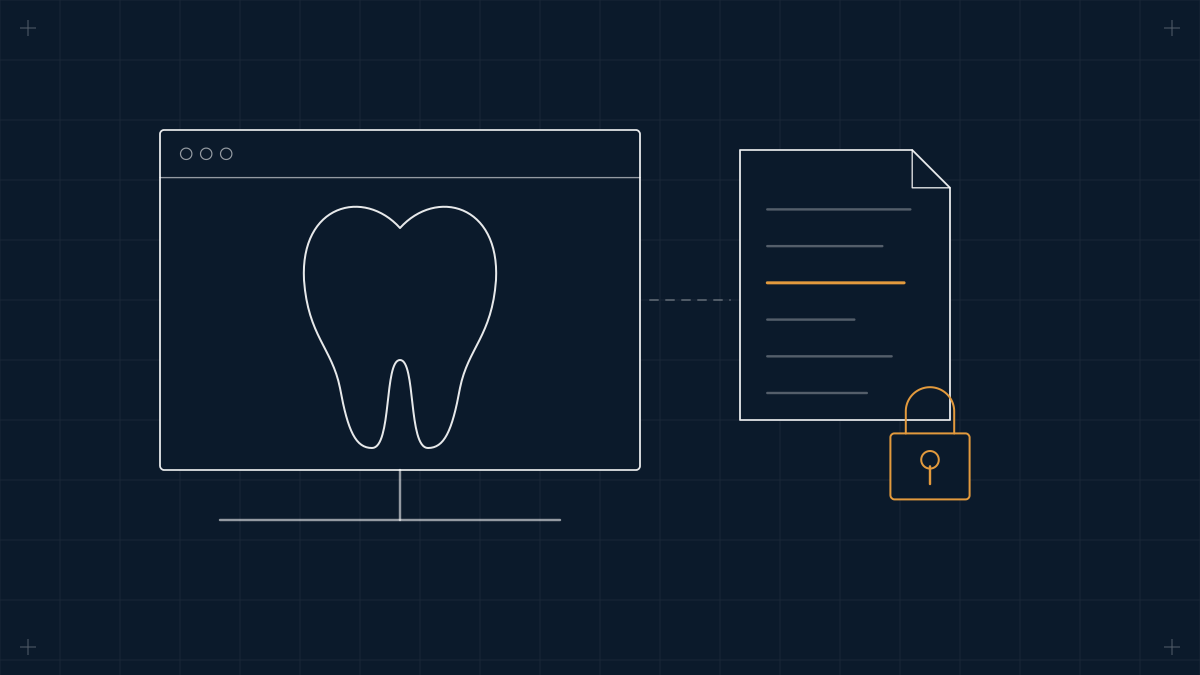
IT support for Los Angeles dental practices comes down to three things that must work together: the practice management system, the imaging chain from sensor or scanner to patient chart, and the backups behind both. This article is for practice owners and office managers who need to decide what to ask of an IT provider and what to verify themselves. A dental office differs from an ordinary office because its imaging software and hardware are often certified by the vendor for one configuration, which makes them harder to patch or replace on a normal schedule.
Where dental technology risk is different
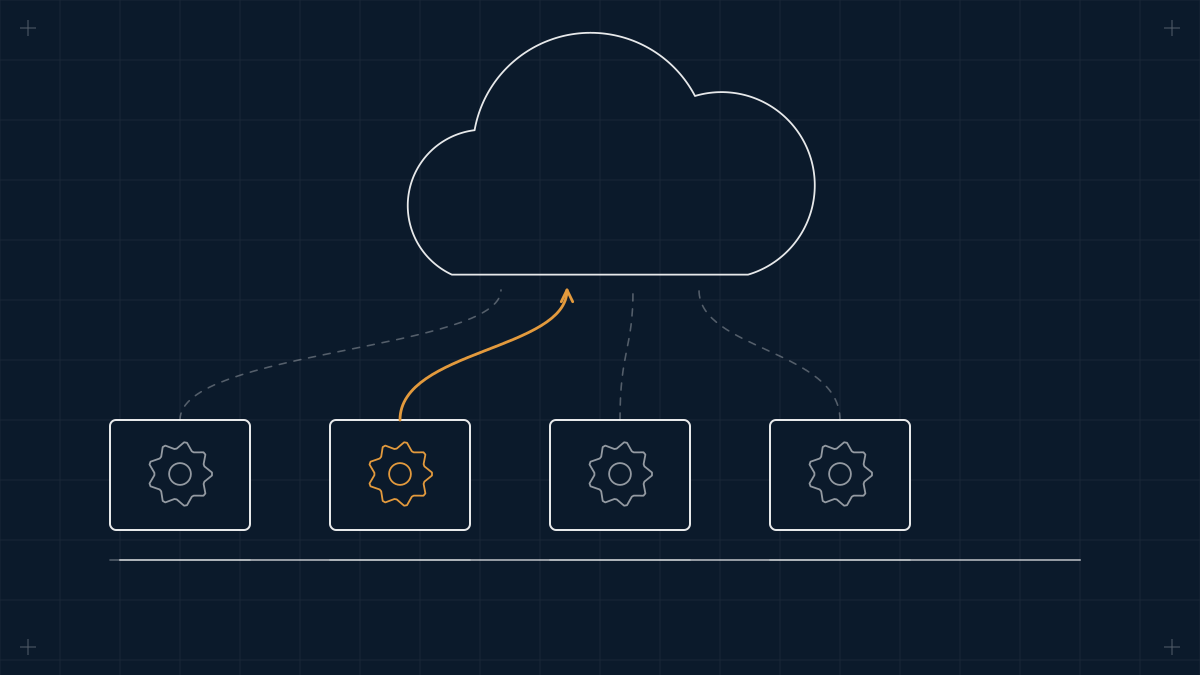
When the practice management system is down, the front desk cannot check patients in, the clinical team cannot open charts, and insurance eligibility checks stop. When an imaging workstation is down, a chair may sit idle. Neither is a generic "slow computer" problem, so the first job of any provider is to map which systems depend on which: server or cloud host, network, imaging acquisition PCs, sensors, intraoral cameras, and the printers and scanners tied to them.
Operating system age is the most common hidden problem. Windows 10 reached end of support on October 14, 2025, and Microsoft no longer provides security fixes for it unless a PC is enrolled in the paid Extended Security Updates program, which for organizations can run for up to three years and does not include technical support. Many practices still have an acquisition PC whose sensor driver the vendor has not certified on Windows 11. The decision is per machine: upgrade after the imaging vendor confirms support, enroll the PC in Extended Security Updates as a bridge, or isolate it on its own network segment with no email or general web use.
What HIPAA asks of the practice, and who answers for it
A dental practice is a HIPAA covered entity when it transmits health information electronically in connection with certain standard transactions, such as insurance claims; the definition appears in 45 CFR 160.103. Most practices that bill insurance meet it. The Security Rule, in 45 CFR 164.308, calls for a risk analysis, described as an "accurate and thorough assessment of the potential risks and vulnerabilities", and for a contingency plan that includes data backup, disaster recovery and emergency mode operation plans.
Those duties belong to the practice, not to the IT provider. A provider can supply the technical facts: what is encrypted, who has administrator access, when the last restore test succeeded. Whether the practice meets the rule, and whether a vendor that touches patient data needs a business associate agreement, are questions for a qualified HIPAA attorney or privacy consultant. This article is not legal advice.
Backups and recovery for a dental practice
Ransomware against a practice does not have to be sophisticated to be costly, because the data that matters (charts, radiographs, ledgers) is concentrated in a few places. CISA's #StopRansomware Guide recommends offline, encrypted backups and regular testing that they can be restored, partly because ransomware often tries to find and delete backups it can reach. Pro Link Systems verifies its clients' backups by restoring them; whichever provider you use, ask to see the result of a restore, not a green status light. Radiographs and their database often live apart from the practice management data, so confirm both are in scope.
Decision checklist for the practice owner
- A written list of every system that touches patient data, including imaging PCs, cloud portals and the vendors who access them remotely
- For each Windows 10 machine still in use, a recorded choice: upgrade, Extended Security Updates, or isolate
- Multi-factor authentication on email, the practice management system's cloud login and any remote access
- A restore test of a real chart and a real radiograph, with the date and the time it took
- Separate accounts for each staff member, with access removed the day someone leaves
- Guest Wi-Fi on a different network from clinical devices
- A named contact at each software and imaging vendor, and a note of who may connect remotely and how
- A downtime procedure the front desk can follow on paper for half a day
- A date for the next risk analysis, assigned to a person, with counsel or a privacy consultant involved
Choosing IT support for a Los Angeles dental practice: questions and results
Ask how the provider handles a PC that cannot be upgraded, who answers the phone on a Saturday when a clinic is open, and whether they will sit with your imaging vendor rather than point at them. Ask for a plain-language incident plan, and for what they will report to you each quarter.
Judge success with a short list you can read in five minutes: how long the last restore took, how many imaging or practice management outages occurred and how long each lasted, how many machines are on unsupported software, and whether every departed employee's access was removed. If the provider cannot produce those numbers, the arrangement is a repair service, not management.
References
- Extended Security Updates (ESU) program for Windows 10, Microsoft Learn.
- 45 CFR 160.103, Definitions, Electronic Code of Federal Regulations.
- 45 CFR 164.308, Administrative safeguards, Electronic Code of Federal Regulations.
- #StopRansomware Guide, CISA.